
Bills even when the internet drops
Tillo saves every bill on the phone and syncs automatically when you are back online.
Point-of-sale for small shops · by Greenhoodtech
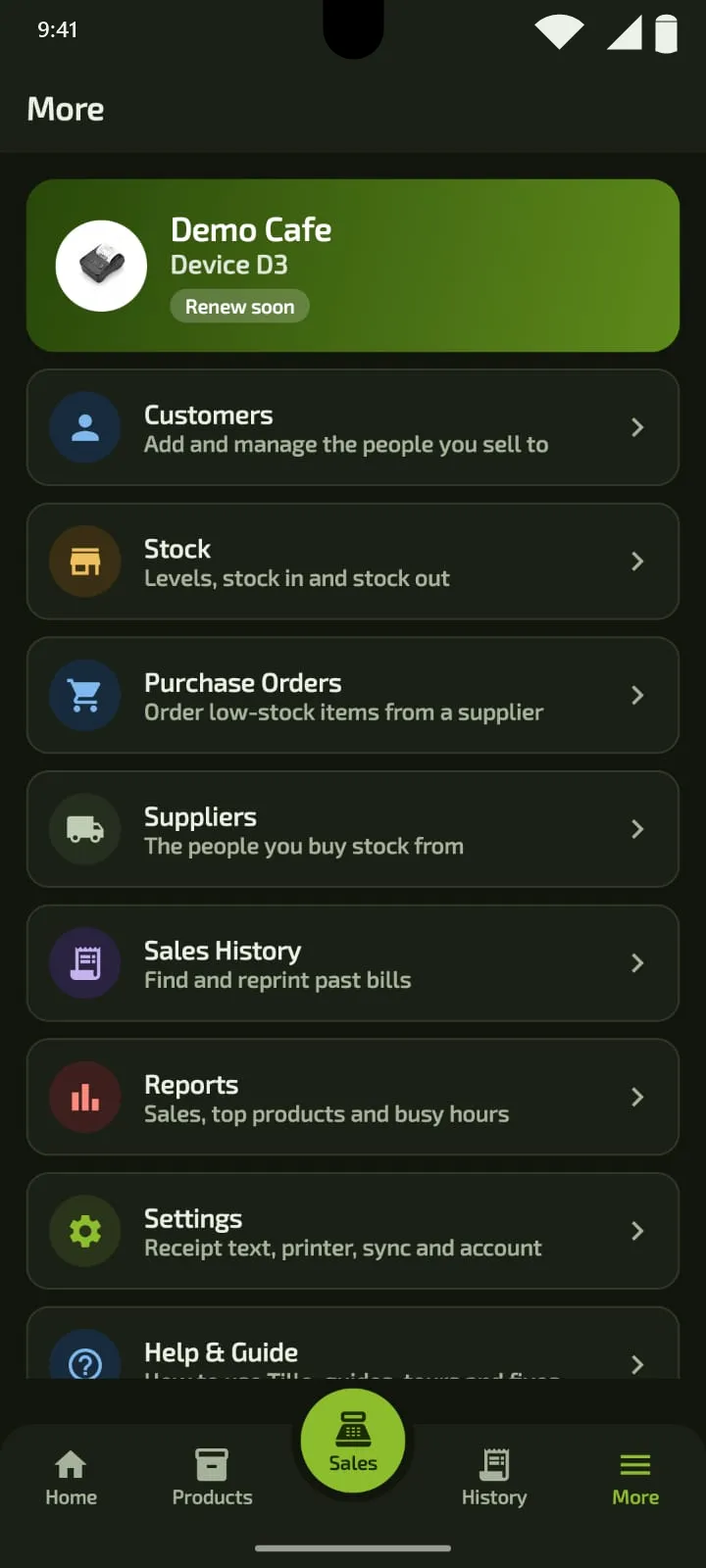
Tillo is an Android POS app for retail and quick-service businesses. Bill in seconds, manage stock and customers, print receipts, and see your sales, with or without a connection.
Why Tillo
Less waiting, fewer lost bills, and clear records, on the phone you already carry.
Tillo saves every bill on the phone and syncs automatically when you are back online.
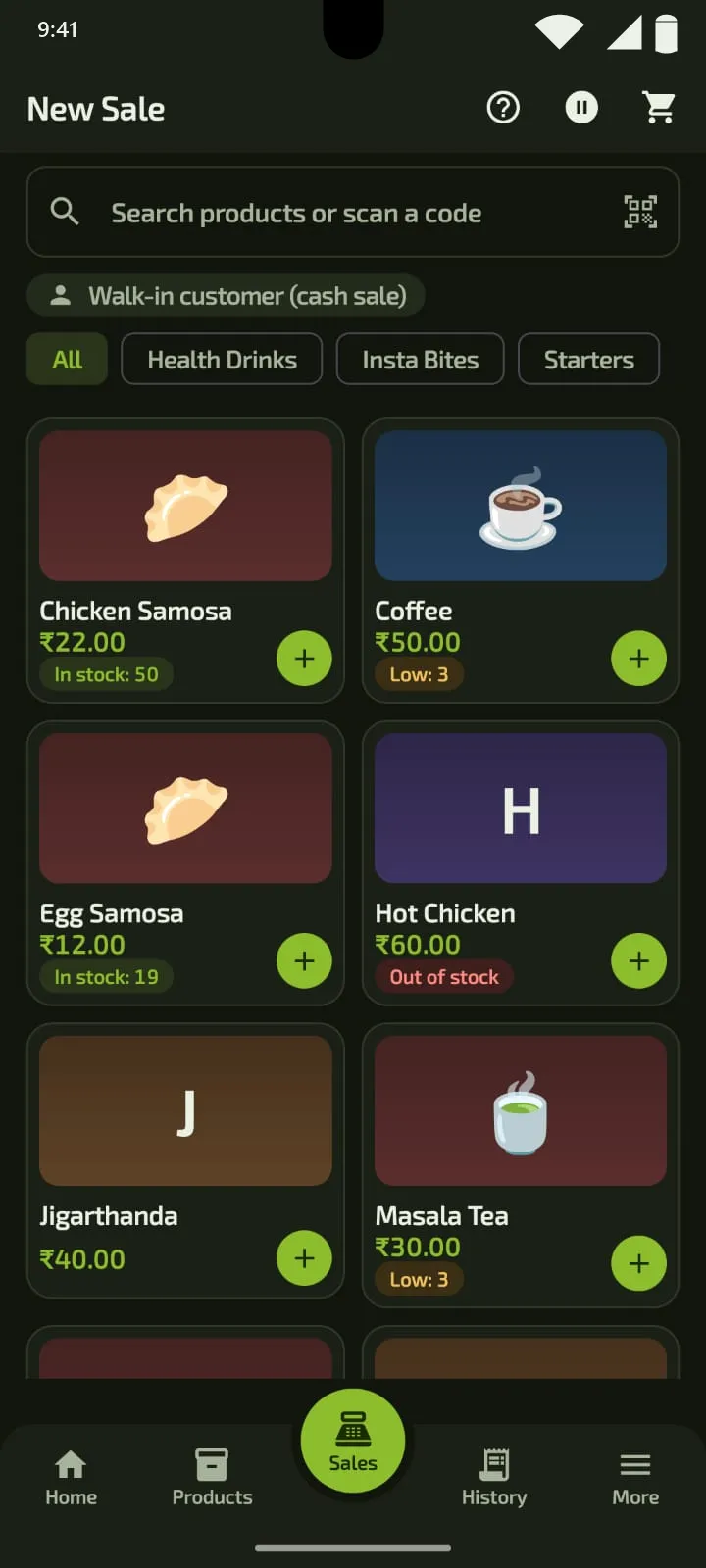
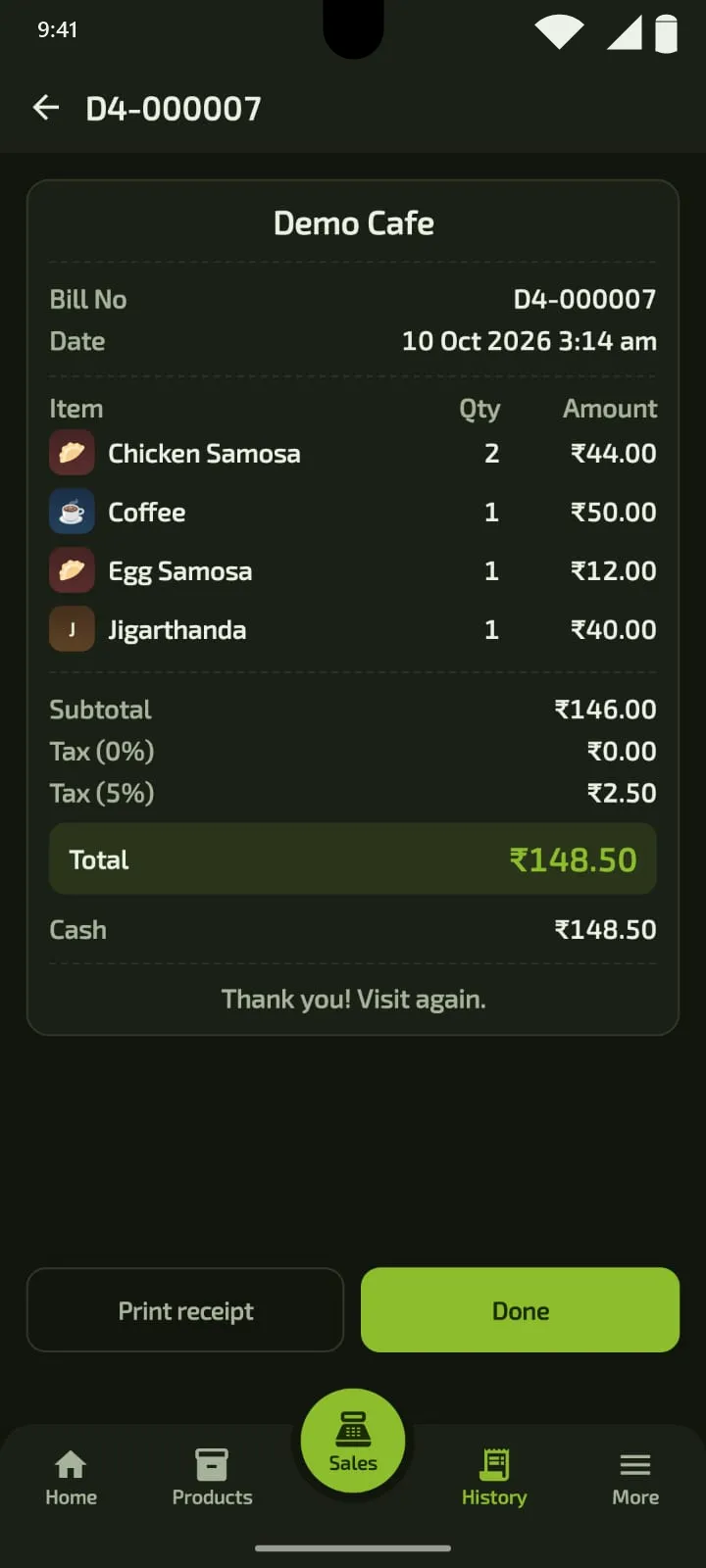
Fast Billing finishes a sale, takes payment and prints the receipt in one tap during busy hours.
Products, stock, customers and bills sync between your phones, and a replacement phone restores your data.
Features
From the first sale to the evening report, in one app.
How it works
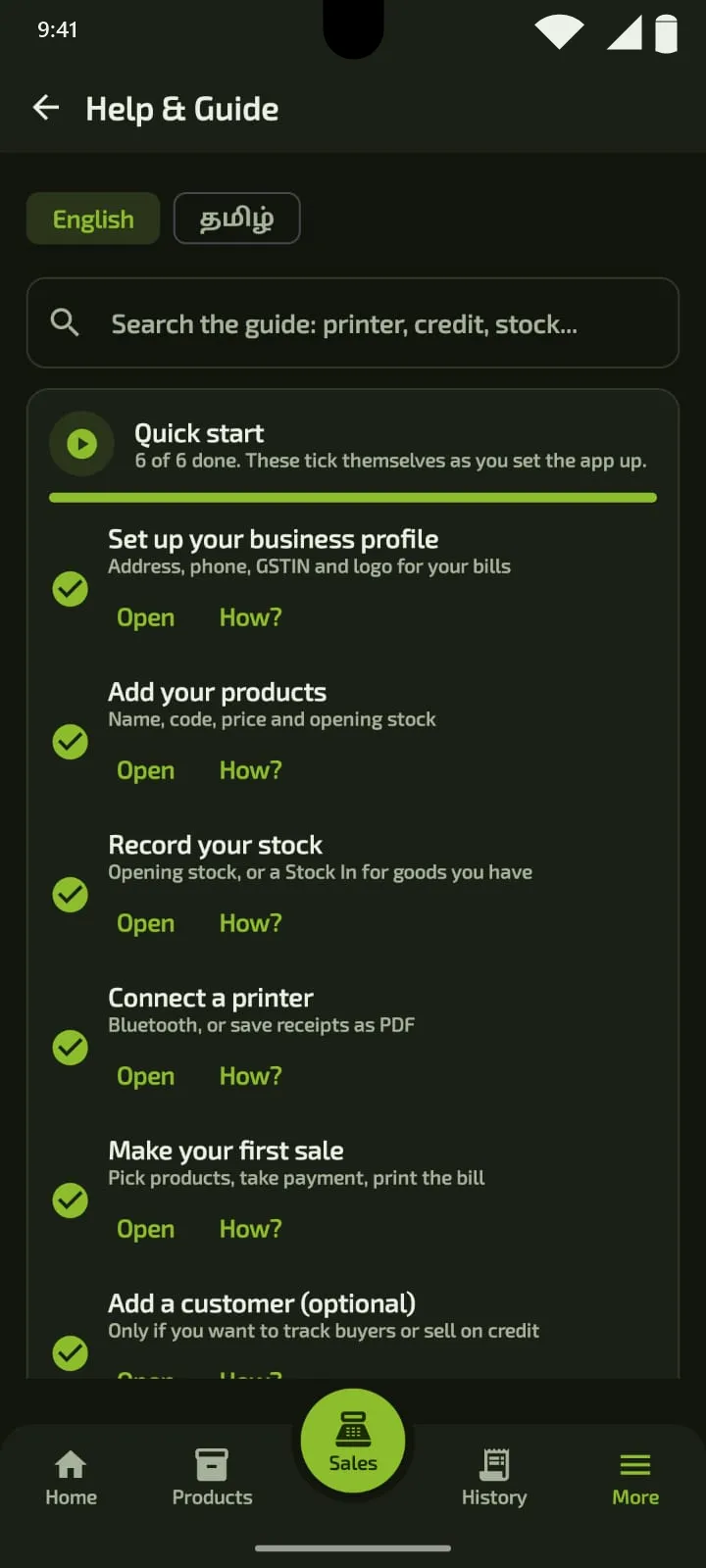
Five simple steps from first sign-in to your evening report.
Step 1
Sign in with your business code. One subscription authorises one active POS phone.
Step 2
Add your business profile, products, prices and opening stock.
Step 3
Pick or scan items, choose cash, card or UPI, and complete the sale, with or without internet.
Step 4
Print the receipt or save a PDF. Bills, stock and customer balances update automatically.
Step 5
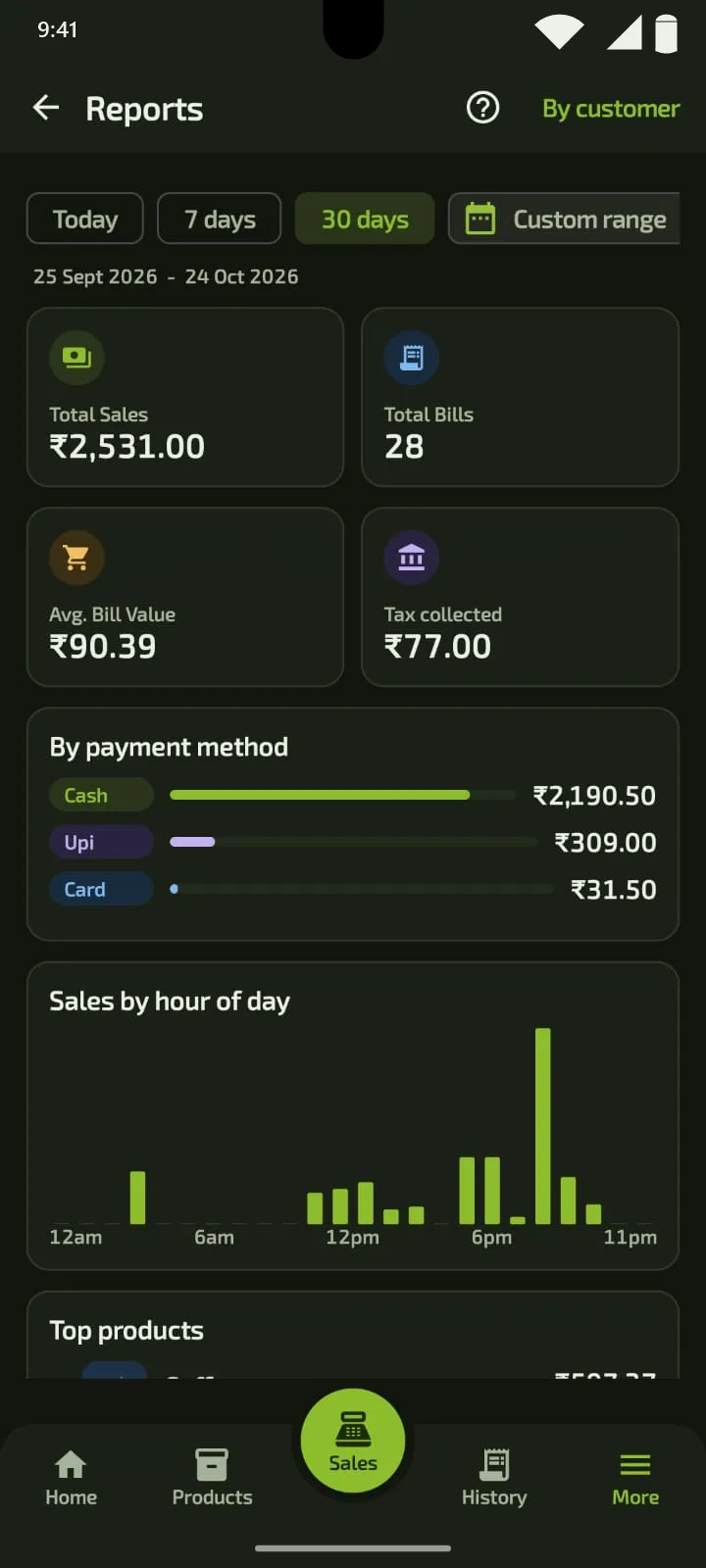
Open reports for sales, products, stock and customers whenever you need them.
And more
Built into the Tillo app, for the parts of the day that are easy to overlook.
Scan barcodes with your phone camera when you bill or add a product. No separate scanner to set up.
Reports show how much came in by cash, card and UPI, which makes tallying the drawer easier.
Your data is kept on the server as well as on your phone. Replace a lost phone and your products, customers and sales download to the new one.
Every sale updates stock. Items show In stock, Low or Out of stock, you can block sales at zero, and low items can go straight into a purchase order.
Receipt printers
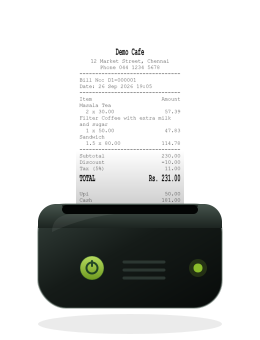
Tillo prints receipts to Bluetooth thermal printers. These are the two printers we have listed so far. Please check with us before you buy any printer.
58 mm (2 inch) portable receipt printer
Tested with Tillo over Bluetooth
View on Amazon.in (opens in a new tab)Portable Bluetooth thermal receipt printer
Not yet tested with Tillo; ask us before you buy
View on Amazon.in (opens in a new tab)Tillo does not guarantee every printer. Paper width and Bluetooth support vary by model.
Pricing
Pick the billing period that suits your shop. Same app, three ways to pay.
₹499
per month
Pay month by month
Enquire Now₹1,399
for 3 months
Works out to about ₹466 a month
Enquire Now₹2,899
per year
Works out to about ₹242 a month
Enquire NowFAQ
Yes. Bills are saved on your phone and sync when the connection returns. To keep your subscription verified, the phone needs to connect to the internet from time to time: it works offline for about 7 days, plus a 2-day grace period, before it asks you to reconnect.
Tillo’s POS app is an Android app. One subscription authorises one active POS phone, and a replacement phone can be activated if you change devices.
There is a 7-day grace period after the paid period ends. After that the app shows a subscription-expired screen until you renew.
Yes, to a Bluetooth thermal printer, or save the receipt as a PDF. Printer compatibility depends on the model, so please check with us before you buy a printer.
Yes. Attach a customer to a sale, record it as credit, and record repayments later. Tillo shows each customer’s outstanding balance.
Not stated at the moment. Please contact us for the latest terms.
Contact
Tell us about your shop and we will get back to you.